Wedding and School Photo Books with Video
How to add video to a wedding or school photo book: what to put on each spread, how to make it step by step, what it costs and how long the videos last.

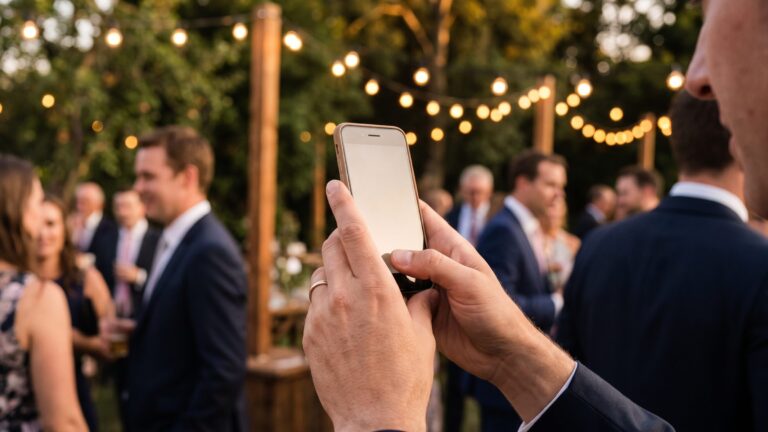
A photo book with video looks like any printed photo book. The difference is that its photos come alive: point your phone at the photo of the first dance, and the video of that dance plays right on the page. Here is how it works, what to bring to life in a wedding or school photo book, and how to get everything ready for printing.
How a photo book with video works
A QR code is printed on one page, usually the cover or the first spread. You scan it with your phone camera, the album opens in the browser, and then you simply point the camera at any photo that has a video. The video plays exactly on top of the printed photo.
- One QR code for the whole album, however many videos it holds.
- No app to install: it runs in the phone browser.
- Any print shop works: you design and print the book as usual and only add the QR code.
Wedding photo book with video: what to bring to life
- The vows. The photo of the couple at the altar plays their words.
- The first dance. The most popular living photo in wedding albums.
- Toasts and speeches. Years later, the voices of family are what people treasure most.
- Getting ready. A few seconds of nerves before the ceremony.
- The guests. A group photo where everyone says a short wish.
You don't need a video on every page. Five to ten living photos in a book feel like a surprise rather than a video album. More ideas on our wedding albums with video page.
School photo book with video: what to bring to life
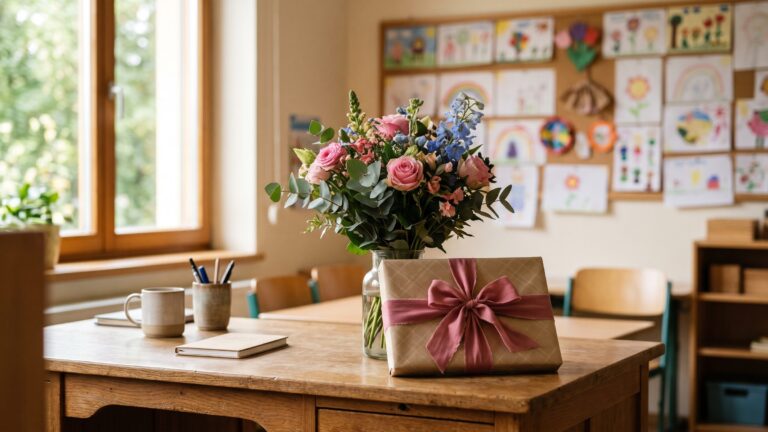
Whether you call it a yearbook, a graduation album or a leavers' book, the idea is the same.
- The class photo. It plays the prom, the formal or the last day of school.
- Student portraits. Each student says a few words to their classmates.
- The teacher. A short message to the graduating class.
- The year's events. Excursions, school concerts, sports days.
- The first year. An old video from the first day of school next to the graduation photo.
An album like this gets opened again at reunions ten and twenty years later. More ideas in our article on graduation yearbook video ideas.
How to make a photo book with video, step by step
- Collect the videos. For each photo, a short clip of 10-30 seconds, filmed from the same angle. Tips in how to film video for a living photo.
- Upload the photos and videos to Vivalbo. The service crops each video to the photo's proportions and compresses it.
- Test on screen. Point your phone at the photo on your monitor and check that it comes alive.
- Add the QR code to the layout and send the book to print as usual.
What it costs
You pay for printing at your print shop as usual. In Vivalbo, each living photo is paid once, no matter how many copies you print, which matters for a school book ordered by the whole class. Current prices are on the Pricing page. The first 14 days are free, and unpaid photos carry a "Test" mark.
How long the videos last
Paid photos keep working until you delete them yourself, even if you don't renew the subscription. Views are unlimited. So the wedding book can be shown to the grandchildren, and the school book opened at the class reunion.
If you are a photographer, you can offer a photo book with video to clients as a separate service. For school albums, see our graduation albums page.