A Graduation Album Everyone Will Want: 8 Video Ideas for Photographers
8 ways to add video to a graduation album or yearbook and sell living albums to parents, from the senior dance to personal student pages. With a profit example.

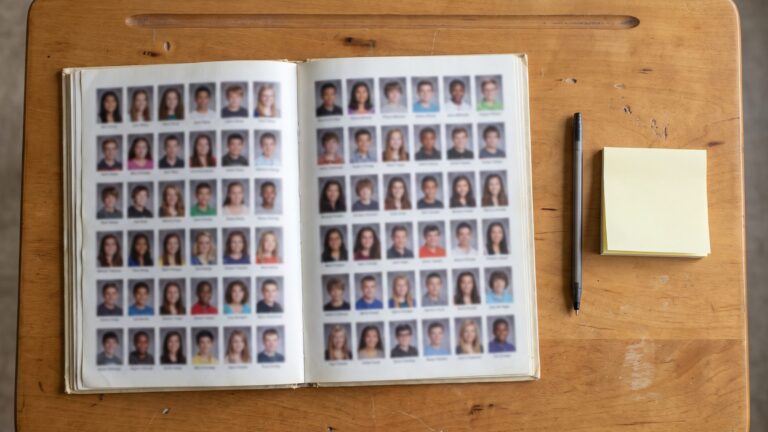
Graduation albums all look alike: portraits, a class photo, a few candid spreads. Parents compare photographers on price, and the cheapest one wins. A living album changes the game: you're not selling prints, you're selling an emotion your competitors can't show.
1. The prom dance on the class photo
The most popular living page. The class photo comes alive with video of the dance: 20-30 seconds of the best moment. If a videographer is filming the event, ask them for a clip.
2. First day vs. last day
A photo of the kids on their very first day of school comes alive with that day's video, right next to their graduation photo. Parents see how much their children have grown. This spread moves people more than any other.
3. A word from the homeroom teacher
A teacher's portrait with a short video message. Record it on a phone in five minutes after class. It's the easiest living page to make, and everyone loves it.
4. A personal page for each student
The portrait comes alive with a video of the student talking about their dreams or thanking their parents. Sell it as an add-on: not every family will take it, but those who do will rewatch it for years.
5. "Remember when"
A spread of school events: concerts, field trips, sports days. One photo per event comes alive with a short clip from the videos parents shot on their phones anyway.
6. The class movie, one tap away
You can add a button with a link under a photo to the full class film on YouTube or in the cloud. The album becomes the gateway to every graduation video.
7. Messages from parents
Parents record a message to the graduates. It's also a great selling point at the parents' meeting: the parents themselves help create the album.
8. A branded QR code on the endpaper
The QR code is part of the design: in the album's colors, with your studio logo and a "Point your camera here" caption. It doesn't change after payment, so you can send the layout to print right away.
How much you can earn
Photos are charged once per album layout, not per printed copy. Example for a class of 28 students:
| Item | Amount |
|---|---|
| 10 shared living pages + 28 personal pages | 38 photos |
| Cost on the PRO plan (about $1.45 per photo) | about $55 |
| Parent surcharge +$10 x 28 | $280 |
| Extra profit | about $225 |
How to sell a living album to parents
Don't tell, show. Bring a test print of a few pages from last year's class to the parents' meeting and let them point their phones at it. After that, the question "why pay extra?" rarely comes up.
More examples on the Living graduation albums page.