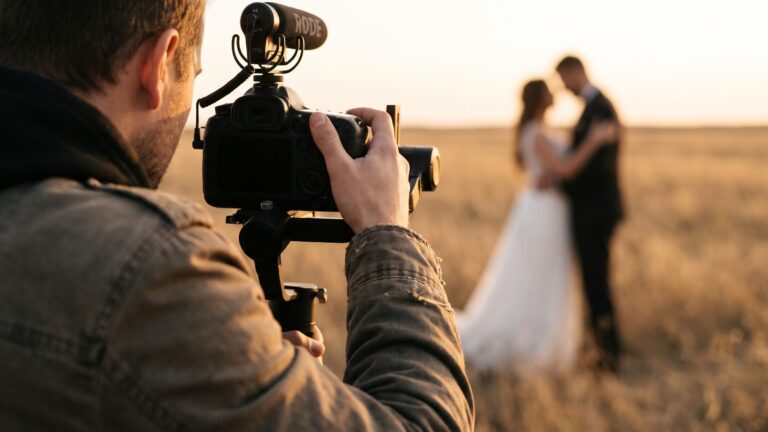
How to Film Video for a Living Photo: 10 Tips
Practical tips for shooting and preparing video for AR photos: framing, length, sound and light, plus which photos the camera recognizes best.
How it works
What to upload, what you get, what your customer sees, and why it works on any phone without an app.
Step 01 · Files
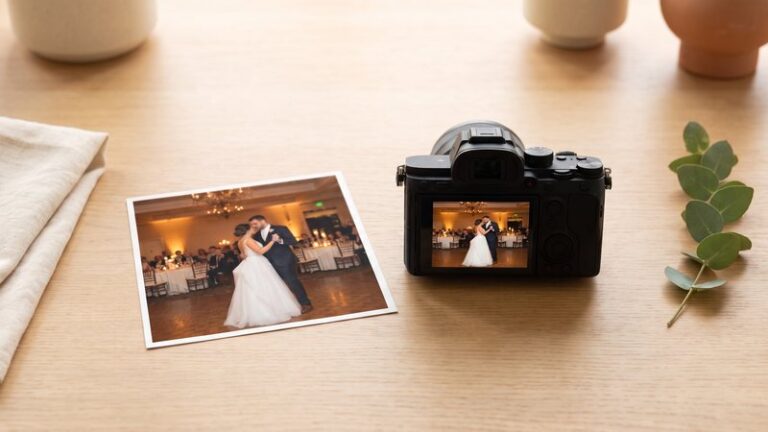
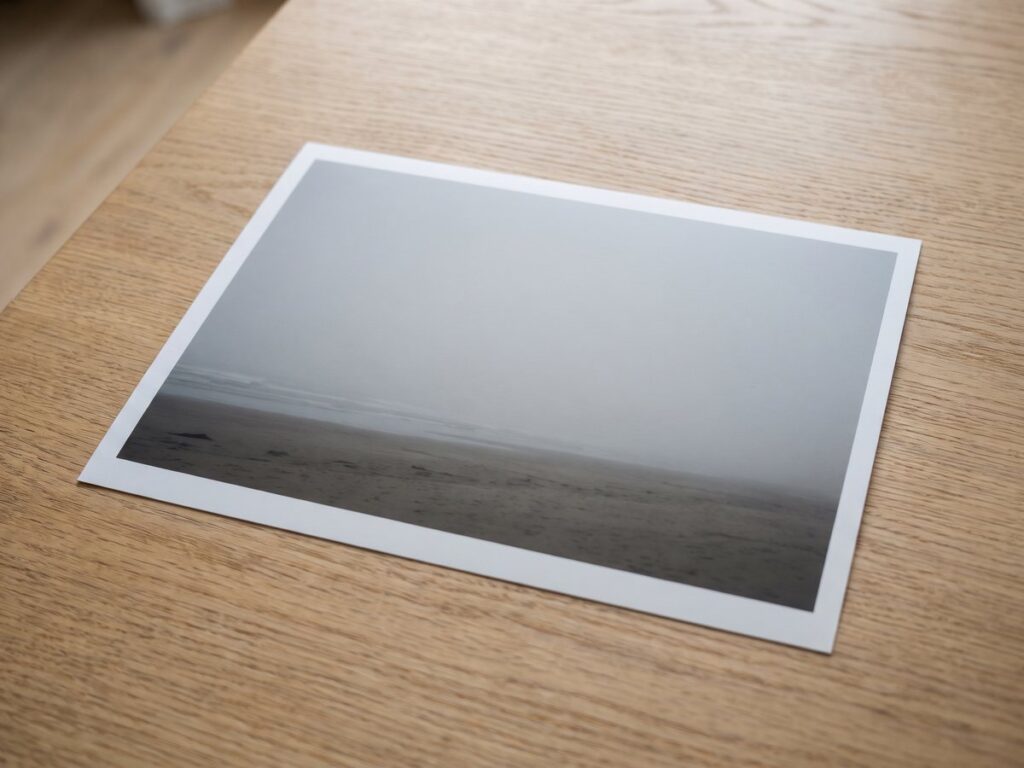
The phone recognizes a photo by its details. The more contrast and texture, the faster and steadier it comes alive.
Good marker
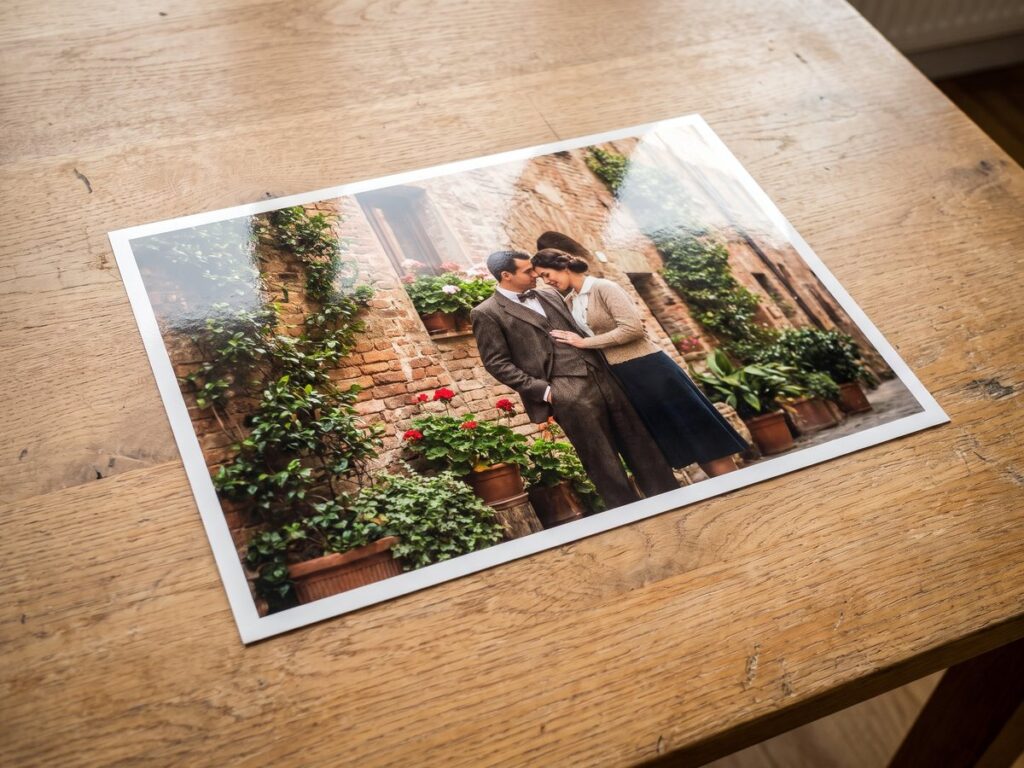
Weak marker
Technical requirements
Not a fit? Your dashboard shows a "recognizability" score for every photo before you publish.
Check your photo
Marker quality
70%
Excellent marker. The phone recognizes the photo in a split second, even in poor light.
It will work, but more slowly. Try another frame from the video or crop a little.
Risky: the photo may not be recognized. Your dashboard shows which photos are weak. Pick another frame.
Send a photo for a testStep 02 · QR and link
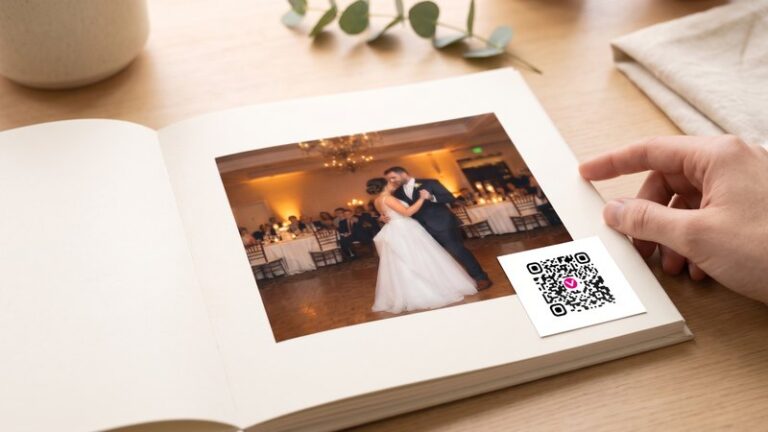
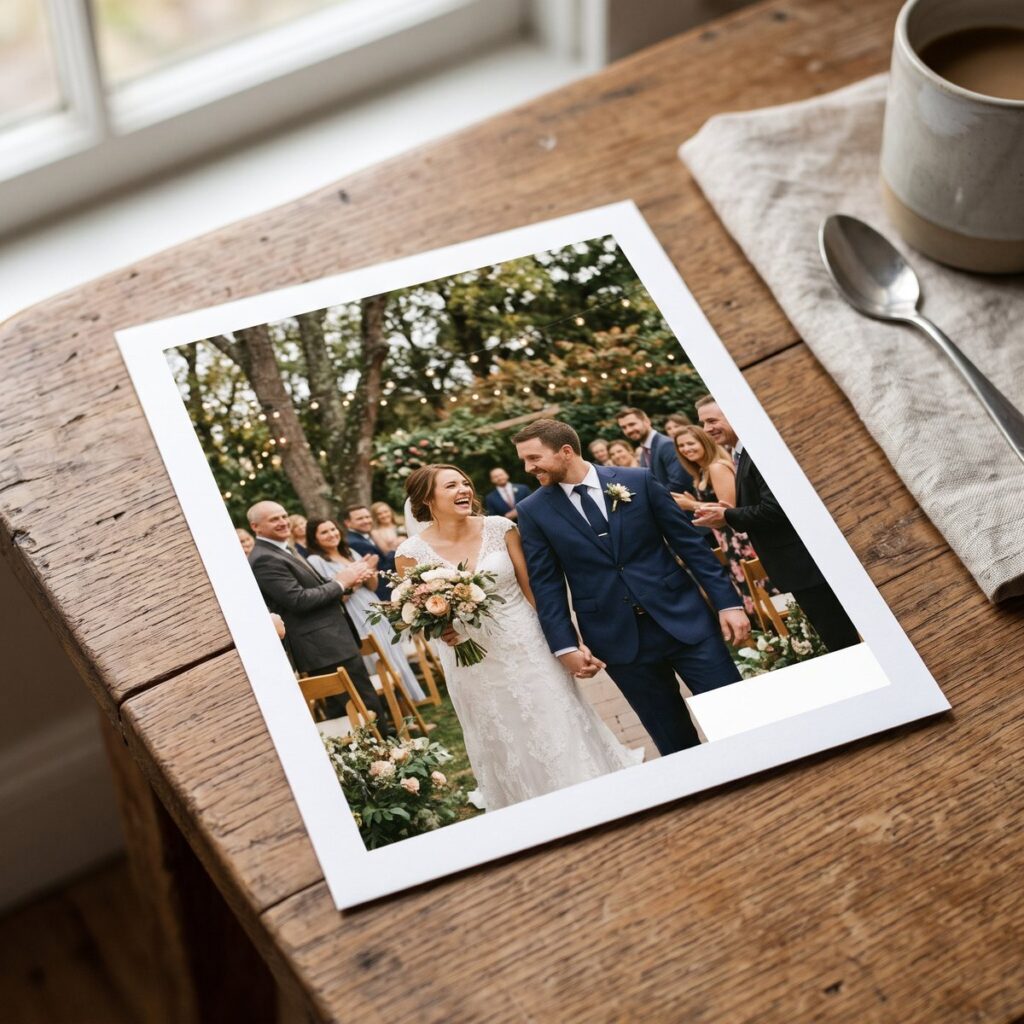
Every living photo gets a QR and a short link. The QR never changes, so the video can be replaced after printing.
Free
We'll send back a finished living photo within 24 hours or tell you which frame to pick instead.
Step 03 · What the customer sees
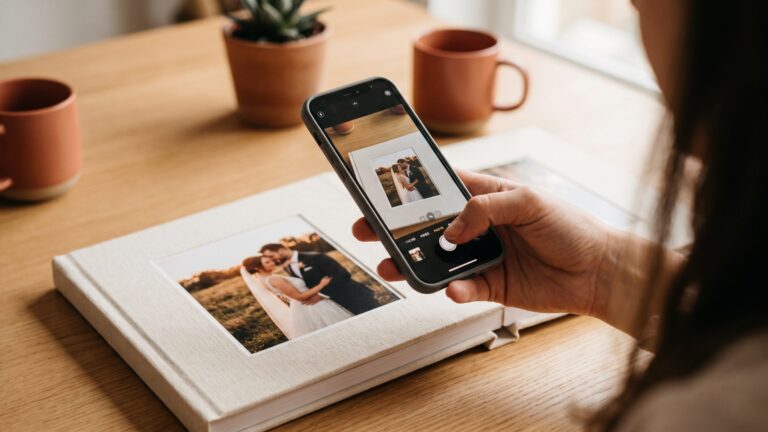
No apps, sign-ups or instructions. The same experience on iPhone and Android.
The regular camera sees the QR and offers to open the link.
The browser asks for access once. No downloads or sign-ups.
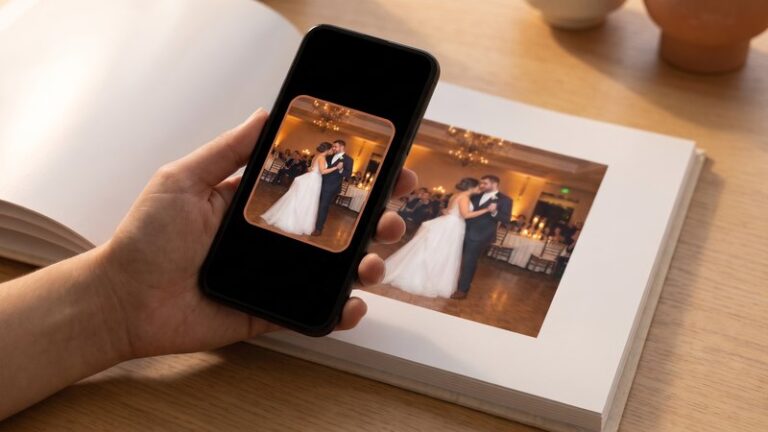
The video lands exactly on top of the printed photo and plays with sound.
Optional: a link to your website, Instagram or order form.
Technical guarantees
Check for yourself
For print shops and brands: SLA, DPA, data export. For photographers: terms of service with a clause on living photos working for life.
Technical questions
Yes, regular mobile internet: the video loads from servers in the EU. The first open takes 1-3 seconds on 4G.
Safari on iOS 14+, Chrome and Samsung Internet on Android 9+. That's over 97% of smartphones in Europe. Tablets work the same way.
The QR opens with any scanner: the camera, Telegram, Viber, Google Lens. Everything else happens in the browser.
Recognition works on shapes and contrast, not color. Slight cropping (up to 10-15%) and tone changes don't get in the way.
Yes, in your dashboard, any time. The QR code doesn't change.
Yes, a REST API and CSV import on the Print plan. We'll share the documentation after the call.
Try it yourself
Open the live demo on your phone or send your own photo and video, and we'll send back a finished AR within 24 hours.
Open the demo on this device Opens in the browser

Scan with your phone camera
Practical tips for shooting and preparing video for AR photos: framing, length, sound and light, plus which photos the camera recognizes best.
What living photos are, how a phone turns a printed picture into video, and why viewers don't need an app. AR explained simply for photographers and clients.
What's next
Human support
During business hours, in your language, from a person, not a bot.
15 minutes on your photo
We'll bring your shot to life and calculate the order value. No 40-slide presentations.
14 days free
Full access without a card, if you decide to try. If not, we'll just thank you for your time.
We'll show how your photo comes alive and calculate how much it adds to your order value.