Video Guest Book for Your Wedding: Wishes You Can Watch
How to make a wedding guest book where every photo plays a video message: how to collect videos from guests, what to print and how one QR code ties it all together.
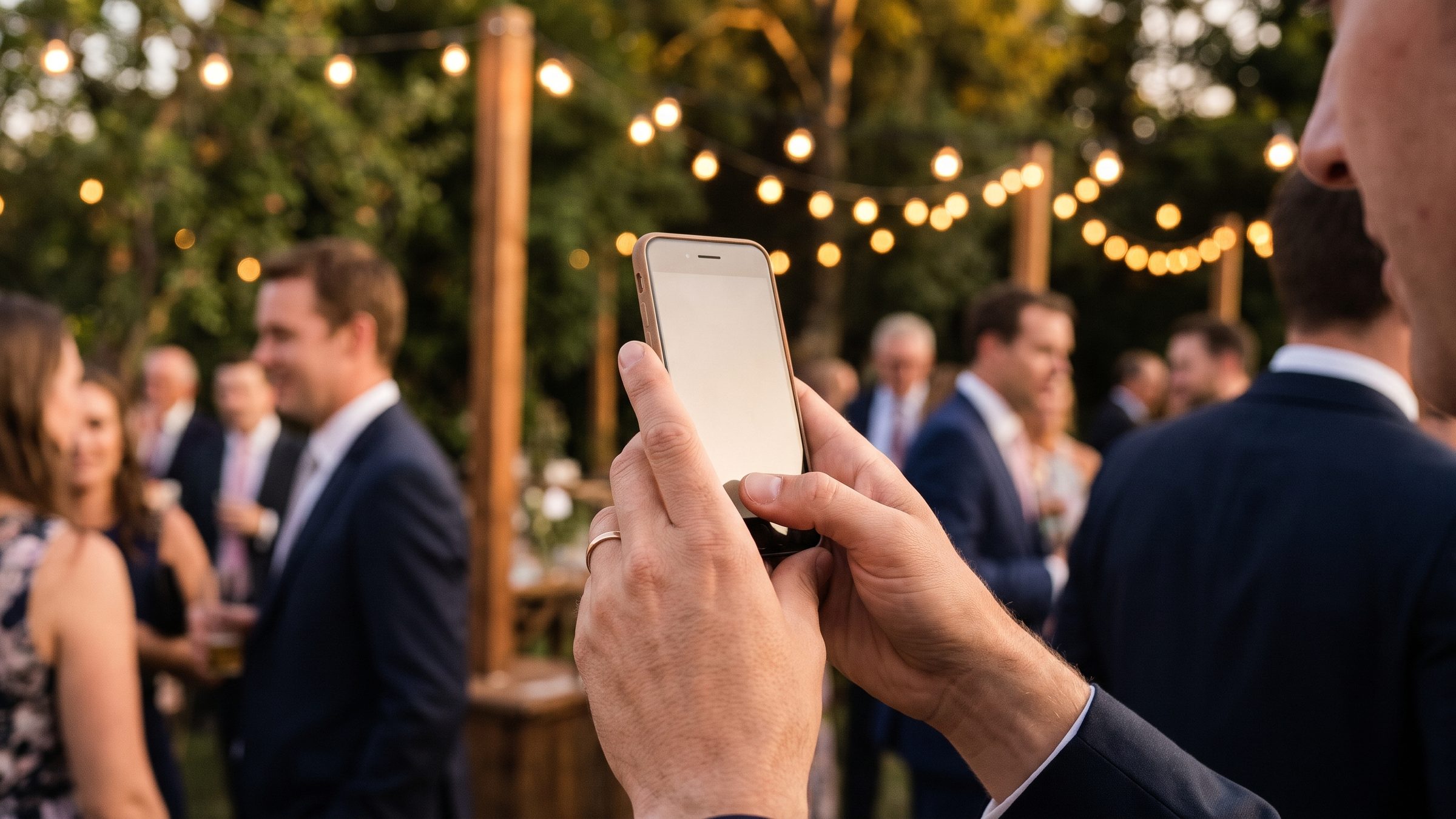
A regular wedding guest book is filled in with a pen: a few lines, a signature, maybe a doodle. In a video guest book, each guest's photo comes with a short video where they say their wishes themselves. The book stays on paper, and the messages play on a phone: point the camera at a photo, and the guest speaks right from the page.
Two kinds of video guest book
"Video guest book" means two different things. The first is a tablet or phone on a stand where guests record messages, and the couple gets a folder of files after the wedding. The second is a printed book where each guest's photo is linked to their video. This article is about the second kind. You leaf through it like any album, and ten years later you don't have to hunt for the drive the files are on.
How it works
- The book has printed photos of the guests: portraits from the photo booth, Instax shots or frames from your photographer.
- In your Vivalbo account, you attach each guest's video message to their photo.
- One QR code for the whole book goes on the first page. Guests scan it with the phone camera, the album opens in the browser, and then they just point the camera at any photo.
No app to install: it all runs in the phone's browser. Grandparents can watch it, and so can friends you show it to after the wedding.
How to collect videos from guests
Vivalbo does not collect videos from guests on its own: you upload finished files to your account. Here are ways to gather them:
- A message corner at the wedding. A phone on a tripod, a light and a sign saying "Say a few words to us". A friend or the host makes sure everyone records 10-20 seconds.
- Clips from your videographer. Ask them to film short messages from guests during the reception: they often shoot these for the wedding film anyway.
- A shared folder after the wedding. Guests who missed the corner send videos to Google Drive or a group chat. This way, people who couldn't come end up in the book too.
The easiest way to get the photos is to take them at the same moment: the guest records a message and gets photographed right away. Then the page and the video show the same person in the same outfit, and the photo comes alive naturally.
How to design the book
- An Instax book. Guests take a photo, stick it in and write a few lines next to it. After the wedding, photograph each glued-in shot straight on, without glare, and upload those pictures to your account along with the videos. Try a few pages first, then do the rest.
- A book printed after the wedding. One page per guest or couple, with a photo and the text of their wishes. Any print shop can lay it out and print it like a regular photo book.
- A spread in your wedding album. If you don't need a separate book, put the guests' photos with videos on one or two spreads. The article on wedding photo books with video covers the rest of the album.
How to make sure the photos come alive
- Photos need to differ. The camera recognizes a picture by its details, so twenty identical portraits on a white background can get mixed up. Change the angle and framing, and photograph people in twos and threes. Each photo in your account gets a rating, and a photo marked "poorly recognized" is best replaced.
- Videos of 10-30 seconds. The viewer holds the phone over the page, and long videos rarely get watched to the end.
- Formats: MP4, MOV, WebM or M4V video up to 400 MB, JPG, PNG or WebP photos. The service crops the video to the photo's proportions and compresses it.
- A check before printing. Point your phone at each photo on your monitor and make sure it comes alive.
More filming tips are in the article how to film video for a living photo.
What it costs
Each living photo is paid once. A book for 60 guests means up to 60 photos, and fewer if you photograph couples and families together. You pay for printing at your print shop as usual. Current prices are on the Pricing page. The first 14 days are free, and unpaid photos carry a "Test" mark.
How long the videos last
Paid photos keep working until you delete them, even if you don't renew your subscription. Views are unlimited, so you can open the book on your first anniversary and show it to your children twenty years later.
If you are a wedding photographer, you can offer a video guest book as an add-on to your main package. More ideas are on the wedding albums with video page.