A Teacher Gift from the Whole Class: an Album Where the Kids Talk
An end-of-year teacher gift idea: a photo album where every photo plays a video message from a child. How to collect the videos in the parents' group chat and what it costs.
A class gift for a teacher is usually flowers, a gift card and a card signed by everyone. A year later, only the card is left. An album with video lasts longer: it is a printed book or set of photos where each picture comes alive when you point a phone at it. The photo shows a child, and in the video the child thanks the teacher in their own words.
Who it's for and when to give it
- A teacher at the end of the school year, or at the end of elementary school. Kids change a lot in a few years, and one spread can show them on their first and last day.
- A homeroom teacher at middle or high school graduation.
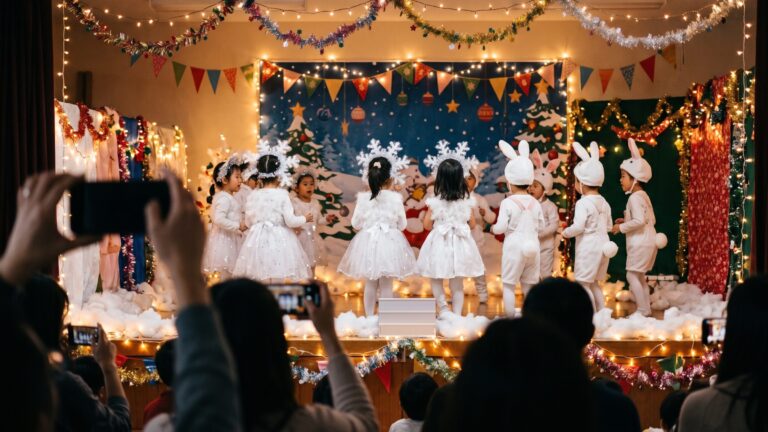
- A preschool or kindergarten teacher. Little kids can't write yet, but every one of them can say "thank you" to a camera.
- Teacher Appreciation Week or the holidays, when you want something more personal than a gift basket.
What to put in the album
- A class photo. In the video, the whole class says something to the teacher together or sings a song from class.
- A photo of each child, with a 10-20 second video: what they remember, what they're grateful for, what they wish their teacher.
- Photos from the year: a field trip, a party, a concert. Add videos from the same day if a parent filmed it.
- A message from the parents. One photo of the class parents and a video where someone speaks for everyone.
You don't need a video on every page. Even one spread with a video from each child turns the album into a gift the teacher will come back to for years. More page ideas are in the article on yearbooks with video.
How to collect videos from the kids
Vivalbo doesn't collect videos from parents on its own: one person making the album uploads the files. The easiest way to organize it:
- One parent takes charge and posts in the parents' group chat what's needed: a 10-20 second video, phone held the same way as the photo will be, light from a window, no music in the background.
- Each family films their child at home and sends the video to a shared Google Drive folder or straight to the organiser. Set the deadline two or three weeks before the day.
- Take the child's photo from the same recording: then the page and the video show the child in the same clothes, and the photo comes alive naturally. A school photo works too if the video is filmed from a similar angle.
How to film so the photo comes alive without jumps is covered in how to film video for a living photo.
How to make the album step by step
- Upload the photos and videos to your Vivalbo account. The service crops each video to the photo's proportions and compresses it.
- Check every photo: point your phone at it on your monitor. If a photo is marked "poorly recognized", swap it for a higher-contrast shot.
- Pay for the photos before printing. Unpaid photos carry a "Test" mark, and it shouldn't be on a gift.
- Add the QR code to the layout. There's one for the whole album: the teacher scans it with the phone camera, then just points the camera at any photo. No app needed.
- Print the album at any print shop like a regular photo book. Or keep it simple: 4x6 prints in a nice folder and a separate card with the QR code.
What it costs
In Vivalbo, each living photo is paid once. For a class of 25, that's up to 27 photos: the kids, the class photo and the parents' message. The cost is split between all the parents, and you pay for printing at your print shop as usual. Current prices are on the Pricing page. The first 14 days are free, so you can build and check the album first and pay right before printing.
How long the videos last
Paid photos keep working until you delete them, even if you don't renew your subscription. Views are unlimited, so the teacher can show the album at a class reunion ten years later.
If you're a photographer who works with schools or preschools, you can offer this album to class parents as a separate service: see how to sell a living graduation album. Ready-made options for classes and groups are on the graduation albums and kindergarten albums pages.