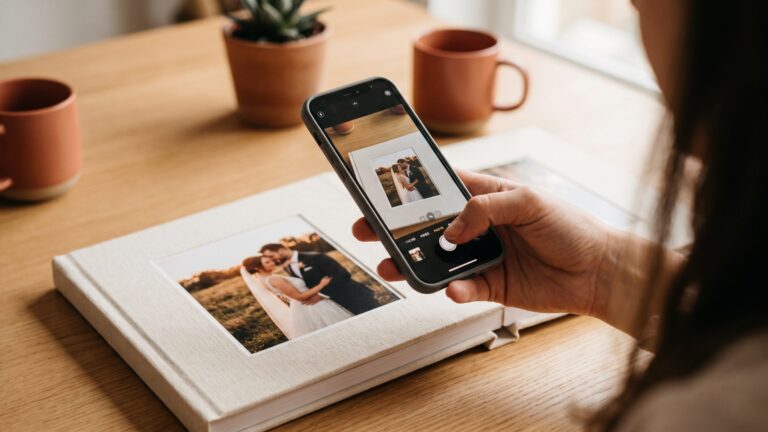
How to Film Video for a Living Photo: 10 Tips
Practical tips for shooting and preparing video for AR photos: framing, length, sound and light, plus which photos the camera recognizes best.
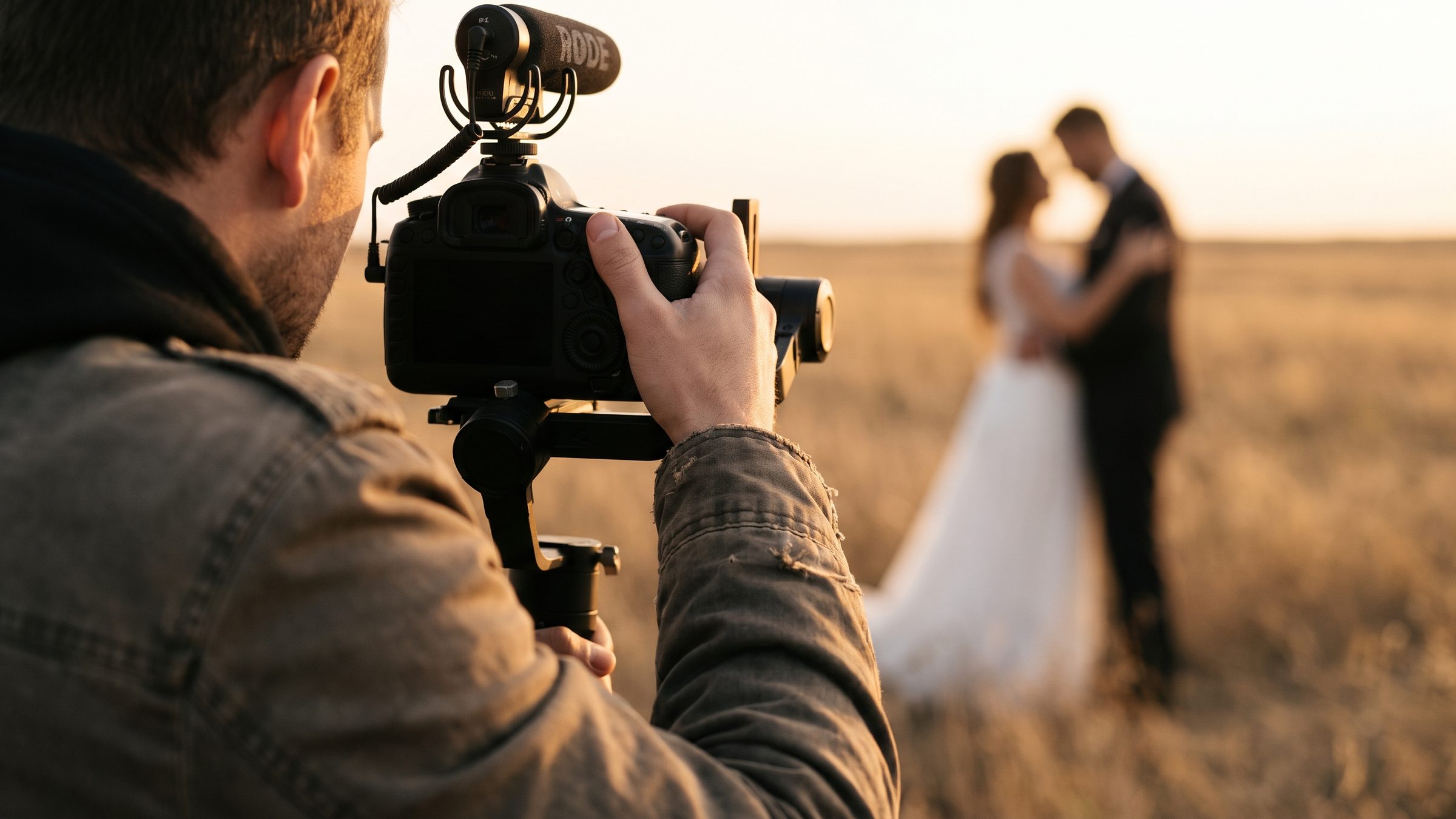
A living photo is most impressive when the video picks up where the picture leaves off: same angle, same people, and then motion. Here are 10 tips to get there, even with a smartphone.
Video
1. Shoot from the same angle as the photo
The effect is strongest when the first frame of the video almost matches the photo, so it looks like the picture simply came alive. Take the photo, then start recording right away without moving.
2. Keep the subject centered
Videos are automatically center-cropped to the photo's proportions. If the photo is portrait and the video is landscape, the sides of the video get cut off, so keep anything important away from the edges.
3. 10-30 seconds is plenty
Viewers are holding a phone over an album, and long videos get tiring. Pick the best moment: a dance, a smile, a few words. For a longer film, add a button with a link under the photo.
4. Stability beats resolution
You don't need 4K: the service compresses video to HD anyway so it loads fast. Shaky footage, on the other hand, is very noticeable. Use a tripod or gimbal, or at least lean on something.
5. Mind the sound
Voices, laughter and music are half the emotion. Record messages somewhere quiet or with a lavalier mic. If the audio didn't turn out well, add music in an editor before uploading.
6. Light it like a photo
Use daylight from a window to the side, or shoot outdoors in the shade. Dark, noisy video looks worse on a phone than it does on your monitor.
A photo the camera can recognize
7. More detail is better
The camera recognizes a photo by its fine details and contrasts. Group shots, interiors and nature work great. Plain backgrounds, fog and blown-out skies work less well. The dashboard shows a recognizability score for every photo before you print.
8. Not too small
Photos 3-4 inches (8-10 cm) wide or larger are recognized easily. For small prints, enter the print size in the dashboard and the video will line up exactly with the edges.
9. Matte paper
Gloss and lamination create glare that can make the camera briefly "lose" the photo. Matte or velvet paper tracks more reliably.
Before printing
10. Test it on a phone
During DEMO the album works with a "Test" mark. Print one page on a regular printer, point your phone at it and make sure everything comes alive as it should. You can replace the video for an already paid photo at any time, free of charge.
Learn more about the service on the Features page.